A scam email almost got my client. Here’s the check.
It had the Wix logo and a deadline. It wasn’t Wix.
It’s been a while. I stepped away for a few months to handle some big life changes. I’m back, with one change: no more weekly promise. You’ll hear from me when I have one decision worth your time.
This one is worth it.
A client of mine got an email recently. It said her website would go offline unless she fixed a DNS issue. It had the Wix logo, a deadline, and a button to fix it.
It wasn’t from Wix.
She almost clicked. She’s smart and busy, and the email was built for exactly that combination. Thankfully, she called me first.
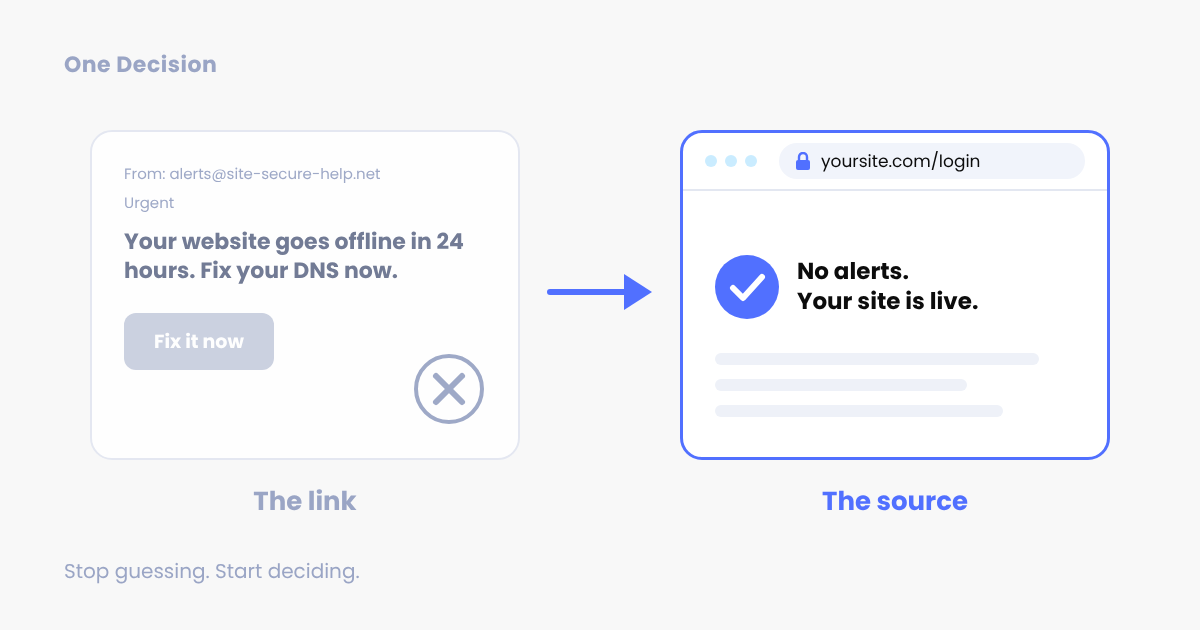
The decision: go to the source, never the link.
The signal
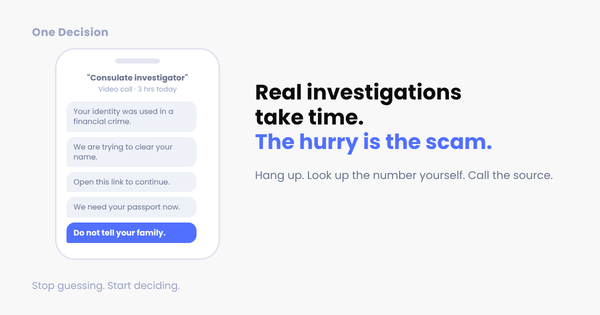
Scam emails follow one pattern: a brand you know, a problem that sounds technical, and a deadline. “Your domain expires in 48 hours.” “Your DNS settings need attention.” “Payment failed, update now.” The goal is to get you to a fake login or payment page before you stop to think.
This is the most common scam out there. In the FBI’s 2025 Internet Crime Report, phishing and spoofing was the number one complaint category, with 191,561 reports. Total reported losses across all scams: nearly $21 billion, up 26% from the year before. And that only counts the people who reported it.
The tool
You already have it: the account you pay for. Wix, Squarespace, Shopify, your bank, QuickBooks. If something is wrong with your account, you’ll see it when you log in. Real problems show up in your dashboard, not just in your inbox.
The action (5 minutes)
Next time an “urgent” account email lands:
- Check the address after the @. Not the display name, the address. If it isn’t the company’s real domain, delete it. If it is, keep going, because addresses can be faked.
- Don’t click. Open a new tab, type the company’s website yourself, and log in.
- Look for the alert. No warning in your dashboard? No problem.
Three steps, and the deadline loses its power.
Here’s what I tell clients: the link is never the answer. The source is.
Not sure about one?
Do what my client did. Before you click, reach out. Hit reply, paste the email in, and I’ll tell you if it’s real. Domains and DNS are home turf for me. I [lost and recovered my own domain](LINK TO PAST ISSUE), so I know how these attacks feel from the inside.
Next time: the phone version of this scam, and why it hit close to home.
Found this useful? Forward it to a fellow business owner, or share the web version: newsletter.simplifydigital.ai/scam-email-check
P.S. The next “urgent” email is coming. Decide today that you’ll go to the source instead of clicking.